
Your company
- Free sound guide for creators
Make every reel sound like a real edit
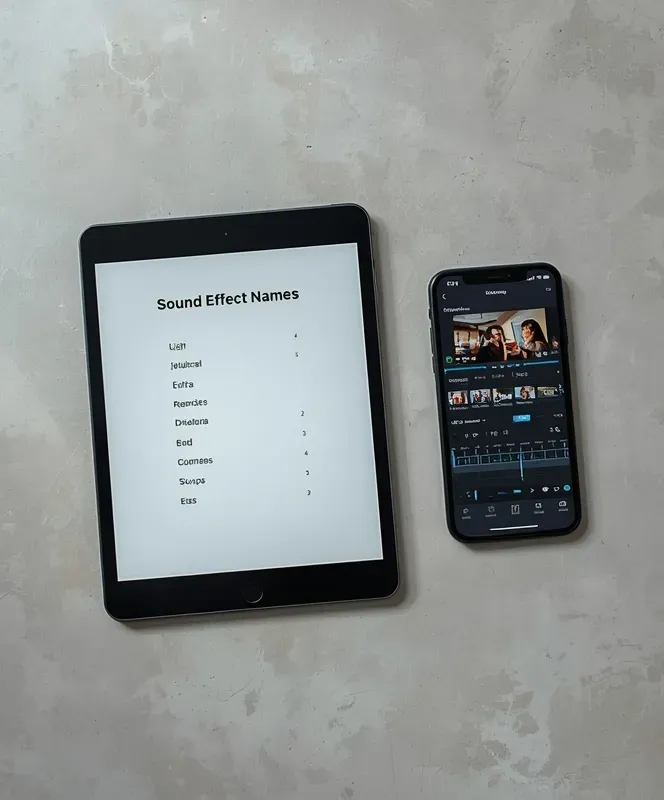
The Reel Sound Cheat Sheet lists 56 sound effects in seven groups, with a note on when to use each one. Tap a name, hear it, and drop it into your next edit.
Email address
- The link arrives in your inbox. You can unsubscribe at any time.
- 56 sound effects
- Seven groups
- Tap any name to play
FIVE GROUPS UP CLOSE
What's inside the cheat sheet?
The sheet has seven groups of eight sounds each. Here are five of them, and every sound is one tap away.
01
Meme and comedy
For the punchline. Drop a sound on the funny word or the funny face. It includes Vine Boom, Bonk, and Bruh.
You get: eight comedy sounds
- You check: that the sound lands right on the joke.
02
Transitions
For the cut from one clip to the next. Start the sound just before the cut so it feels smooth.
You get: eight whoosh and swipe sounds
- You check: that the sound starts just before the cut.
03
Cinematic
For big reveals and the moment you want people to lean in. Try a rise, a boom, or a heartbeat.
You get: eight big-moment sounds
- You check: that the sound matches the mood of your clip.
04
UI and tech
For screen recordings and app tips. Clicks, typing, and notifications make a tutorial feel real.
You get: eight screen and app sounds
- You check: that the sound fits what is on the screen.
05
Gaming
For wins and level ups. A coin or a power up makes a small win feel big.
You get: eight game sounds
- You decide: which sound fits your reel. Nothing here is a rule.
ONE CLIP, TWO WAYS TO START
You stay in charge of the edit. You just stop starting from silence.
A beginner creator · a common question
“I filmed my first reel and it looks flat. I know it needs something, but I don't know what to add.”
- Starting with no sounds
You scroll through endless sound libraries, guess, and end up posting a clip that feels flat and quiet.
- Starting with the cheat sheet
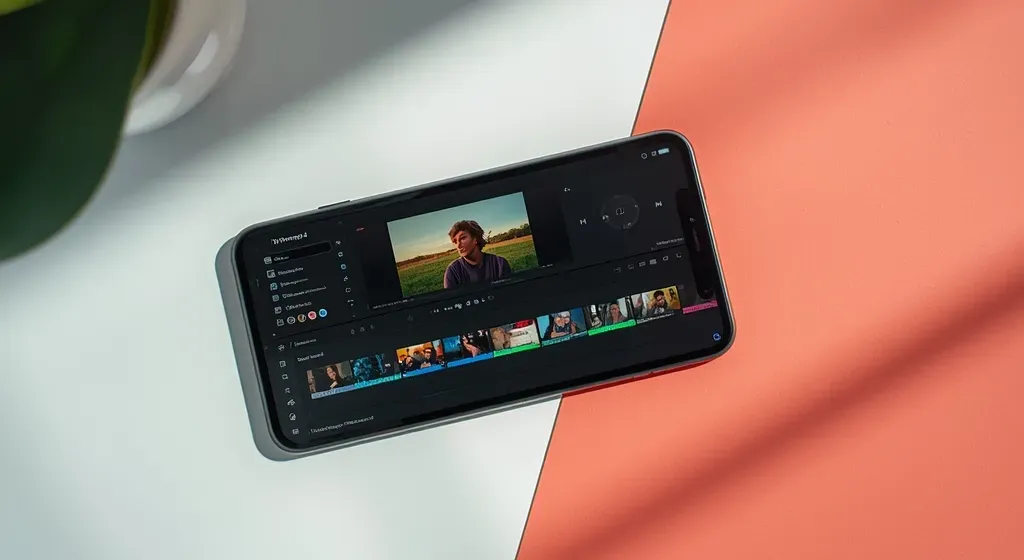
The sounds are already sorted by what they do. You pick a group, tap a name, and add the one that fits your clip.
WHO THIS IS FOR
Made for creators who are just starting out
You feel overwhelmed by editing
You know a reel needs something more, but the apps feel like a lot. This sheet gives you one easy place to start.
You make videos for your business
You want your reels to look good without a big budget or a long learning curve.
You want it quick and simple
There is no long course and no setup. Open the sheet, tap a sound, and get back to filming.
The sheet gives you the sounds. You choose what fits your reel and your style.
Get your cheat sheet
Seven groups of sound effects, each with a note on when to use it. Every sound is one tap away.
The link arrives by email. You can unsubscribe at any time.
© Your company